Get Found Playbook · Part 3
Let's get you more reviews, the honest way.
Reviews are the trust section of your listing. Here's how to ask, how to answer, and how to stay inside Google's rules while you do it.
- 68% of customers filter local results at 4 stars or higher.
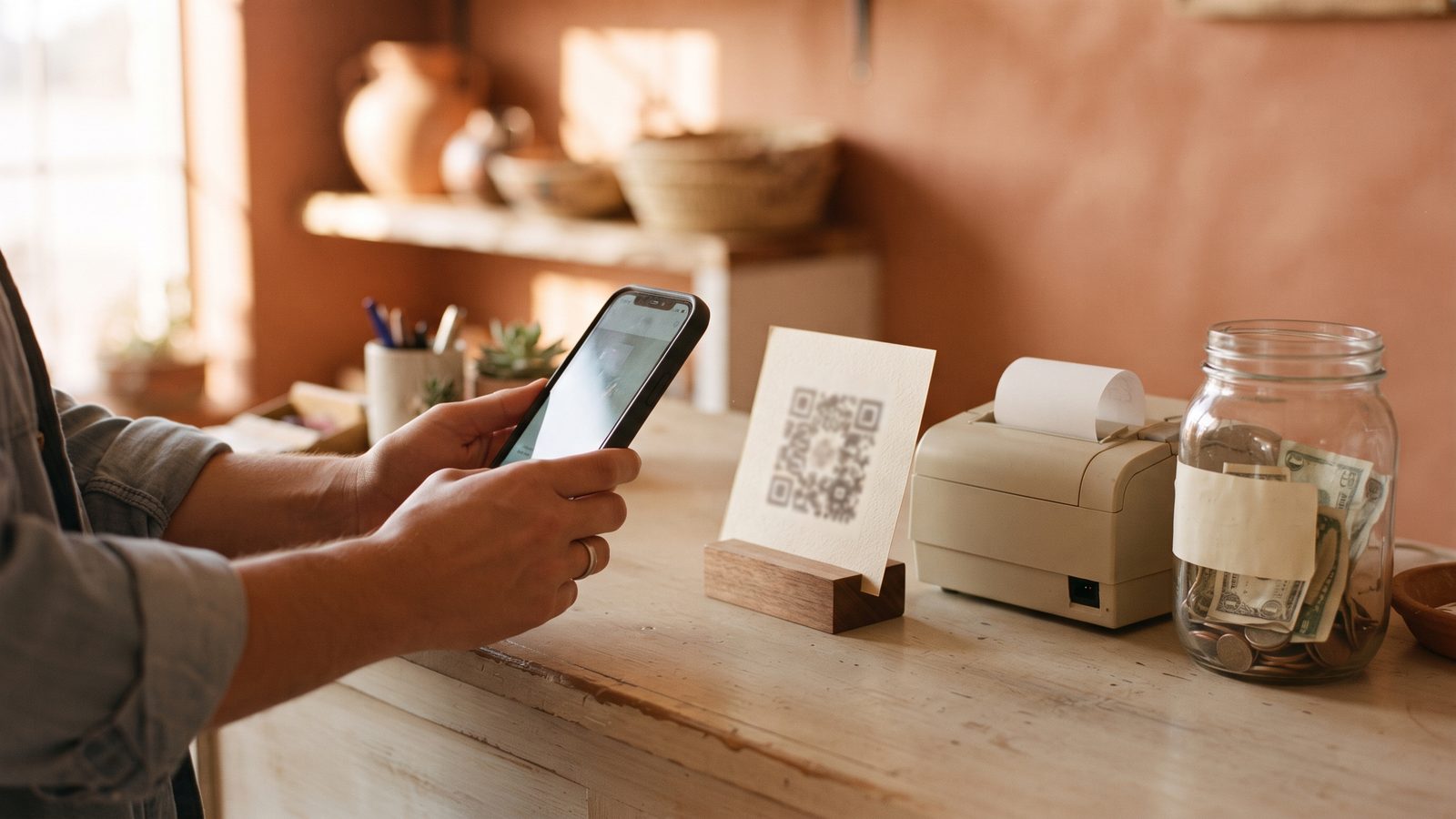
- Ask the moment someone says thank you. Put a QR code at the register.
- Reply to every review in two sentences. Never pay for one.
Don't want to read? Let an AI walk you through it.
Tap the button, then paste it into ChatGPT, Claude, or Gemini. It becomes your coach for this one fix.
You're a patient, friendly coach helping a small business owner get more Google reviews and answer the ones they already have. Talk to me like I'm brand new to this. Give me one short step at a time, and wait for me to say "done" before the next one.
First, ask me two questions and wait for my answers: (1) What kind of business do I have? (2) Am I on my phone or on a computer right now?
Then walk me through it. Step 1: find my review link. On a phone, open the Google Maps app, tap my profile picture, tap Your Business Profile, then tap Ask for reviews. On a computer, search my business name on Google and click Ask for reviews in the "Your business on Google" panel. Step 2: help me turn that link into a QR code for the register or the receipt. Step 3: write me a one-line script for asking a happy customer out loud, in my own words. Step 4: write two example replies for me, two sentences each: one for a happy five-star review (thank them by name, mention something specific) and one for an unhappy review (apologize once, say what I'm fixing, invite them to call). Step 5: set me a routine: two minutes at closing to reply to anything new, and once a week ask my three happiest customers.
Ground rule: only advice that follows Google's rules for Business Profiles. Never suggest paying, discounts, gifts, or raffles for reviews. No fake reviews, and no asking family to post as customers.
Why reviews matter more than your sign
When someone in your area searches "tire shop near me," they get a list. They look at the stars first. 68% of customers filter local results at 4 stars or higher (BrightLocal). Under 4 stars, you're not even on their list. And 89% expect businesses to respond to reviews (BrightLocal). Reviews are the trust section of your listing, and the ask is free. Do this first: look up your business on Google and note your stars and review count.
How to get your review link
- On your phone. Open the Google Maps app, tap your profile picture
in the top corner, then tap
Your Business Profile. TapAsk for reviews. Google gives you a short link that goes straight to the review box. - On a computer. Search your business name on Google. In the box
that says "Your business on Google," click
Ask for reviews. Copy the link. - Save it somewhere handy. Text it to yourself. You'll use it every week.
Put a QR code where money changes hands
Turn that link into a QR code, the little square people scan with their camera. Free QR generators are everywhere: paste the link, download the picture. Print it small and tape it at the register, on the receipt, or where people wait. A customer who just paid and is happy will scan it. That's how a shop gets past 50 reviews without chasing anyone. Print one today.
Ask at the moment of delight
When someone compliments the barbacoa, the haircut, the brake job: that's the moment. Say it simply: "That means a lot. Would you put that on our Google?" Then point to the QR code or text them the link. Most people say yes when you ask right then. Practice the line once out loud.
Reply to every review in two sentences
- Thank them by name. "Thank you, Maria."
- Mention something specific. "Glad the tres leches made the quinceanera." That's it. Two sentences, done.
- Remember who's really reading. Hundreds of future customers scroll past and see that someone's home.
Handle a bad review calmly
- Apologize once. Short and real. No excuses, no arguing.
- Say what you're fixing. "We've added a second person at the counter on Saturdays."
- Take it offline. "Call us so we can make it right." Future customers judge you on the reply, not the complaint.
Of customers filter local results at 4 stars or higher.
BrightLocal · Your EDCHow do your reviews look right now?
Run the free 60-second checkup. It shows your rating, your review count, and how you compare to the businesses around you. Your EDC coaches local businesses through the fixes, free.
Run my free checkup